 English




Tel : +86 13729892225
Email : export@dtechelectronics.com










Tel : +86 13729892225
Email : export@dtechelectronics.com
Categories
New Products
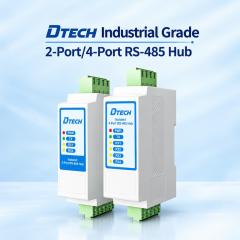
DTECH IOT9024DI Industrial 4 Port Isolated RS485 Hub Expand one RS485 network into four independently isolated channels with the DTECH IOT9024DI. Supports data rates up to 5 Mbps, 5000 Vrms isolation, and DIN-rail mounting for industrial applications. more
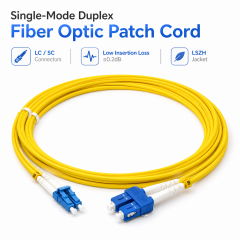
DTECH Single Mode Duplex Fiber Optic Patch Cord Explore DTECH single-mode duplex fiber optic patch cords with LC/UPC connectors, low-loss connectivity and customizable lengths, connector options and OEM/ODM packaging. more
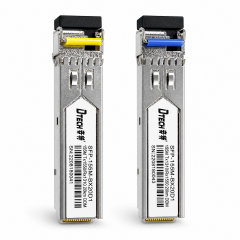
DTECH 1.25G Gigabit Module 20km BiDi SFP Optical Transceiver Fiber 0ptic Module Explore DTECH BiDi SFP optical transceivers for single-fiber bidirectional communication up to 20km. 1550nm/1310nm wavelength pairing, DDM monitoring, and OEM/ODM support. more
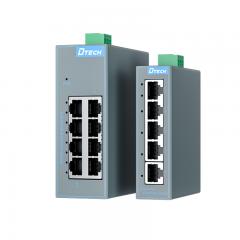
DTECH Industrial Ethernet Switch 5 8 Port Unmanaged Industrial Ethernet Switch for Industrial Automation Discover how the DTECH SW1000 Series industrial Ethernet switch supports PLC, industrial automation, security monitoring and edge network applications with DIN-rail installation, wide-voltage power input and fanless cooling. more
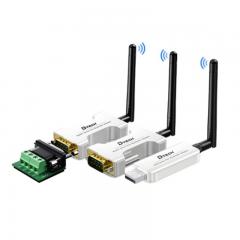
USB RS232 RS485 Blue-tooth Serial Adapter Wifi Wireless Transmitter Receiver Converter USB RS232 RS485 Blue-tooth Serial Adapter Wifi Wireless Transmitter Receiver Converter more
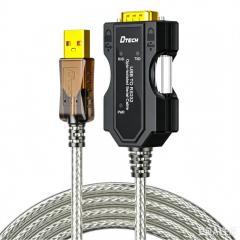
DTECH USB to RS232 Opto-Isolated Serial Cable Converter USB to RS232 Opto-Isolated Serial Cable Converter more
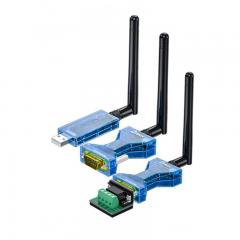
DETCH USB to TPUNB wireless serial data transceiver converter with suction cup antenna This product is a long-range wireless data transceiver, employing domestically produced TPUNB spread spectrum modulation for high-performance, high-reliability, high-stability, and low-power wireless data transmission. more
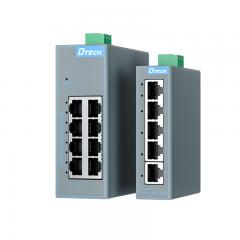
Industrial Ethernet Switch Manufacturer 8 Port Gigabit DIN Rail Switch DTECH DTECH industrial Ethernet switches provide reliable network connectivity for factory automation, transportation, and industrial IoT applications. Managed, unmanaged, PoE and Gigabit Ethernet switches available. more
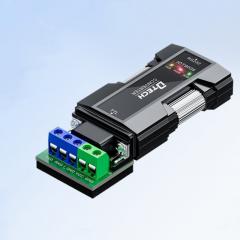
RS232 to TTL Serial Converter Adapter DTECH IOT9005 RS232 to TTL Serial Converter Adapter DTECH IOT9005 more
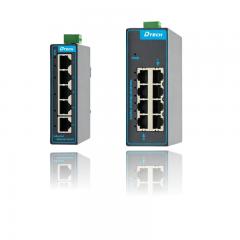
Industrial Class Management Ethernet Switch 4 8 16 Ports industrial network switch manufacturer Industrial Ethernet switches are used to build reliable and efficient industrial networks, supporting real-time data transmission and device interconnection. more
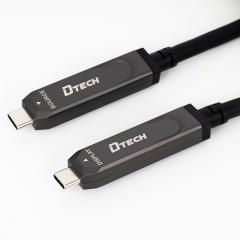
Type C A Male A Male full function Fiber Cable Full-function Fiber Optic Data Type C A Male A Male full function Fiber Cable Full-function Fiber Optic Data more
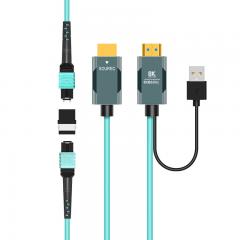
8K Fiber Optical HDMI 2.1 MPO Extender Cable Adapter 8K Fiber Optical HDMI 2.1 MPO Extender Cable Adapter more
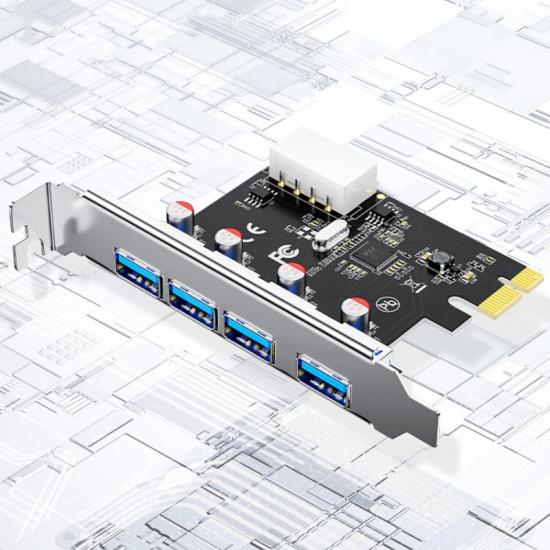
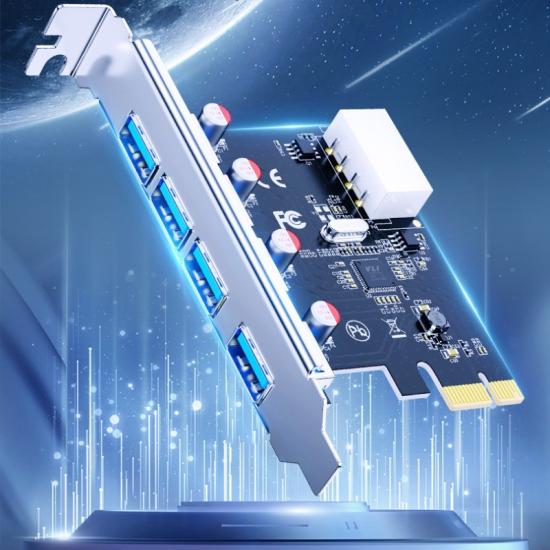
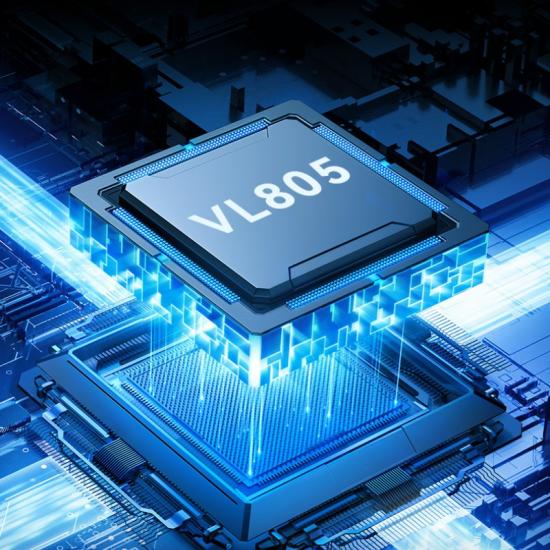
Equipped with high-performance VL805 chip, the theoretical speed can reach 5Gbps.
Product Origin:
ChinaBrand:
DTECHItem NO.:
PC0192Shipping Port:
Guangzhou/ShenzhenDTECH PCI-E to USB 3.0 4 Port HUB 5Gbps Pcie Express Expansion Card
for Desktop Computer
Ⅰ. Product Parameters
| Product name |
PCI-E to 4 Port USB 3.0 Expansion Card |
| Brand |
DTECH |
| Model |
PC0192 |
|
Function |
Desktop expansion card |
|
Chip |
VL805 |
|
Interface |
USB 3.0, backward compatible with USB 2.0/1.1 |
|
Power supply interface |
15 pin interface |
|
Material |
PCB |
|
USB transfer rate |
5Gbps |
|
Net weight |
72g |
|
Gross weight |
106g |
|
Compatible systems |
1) Compatible with Windows system in multiple formats 2) Supports Linux operating system PS: Except for the WIN8/10 system which does not require a driver, other systems require the installation of drivers for use. |
| Size | 121mm*79mm*22mm |
|
Packaging |
DTECH Box |
|
Warranty |
1 Year |
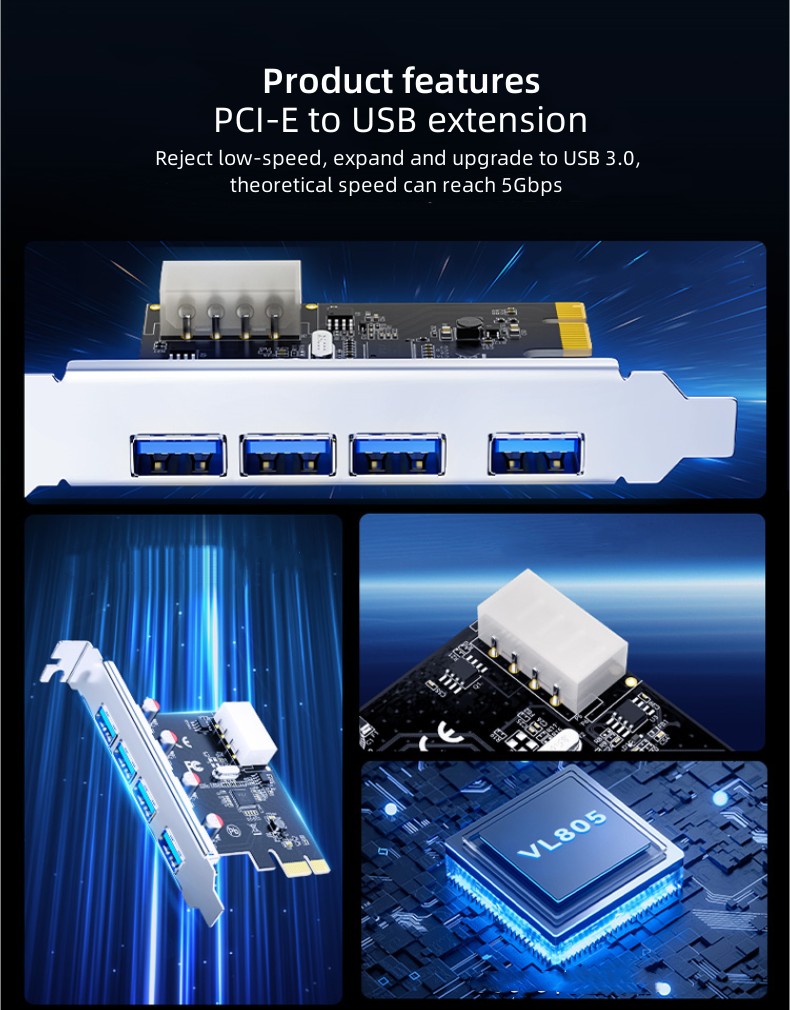
Product features
PCI-E to USB extension
Reject low-speed, expand and upgrade to USB 3.0. Equipped with high-performance VL805 chip, theoretical speed can reach 5Gbps.
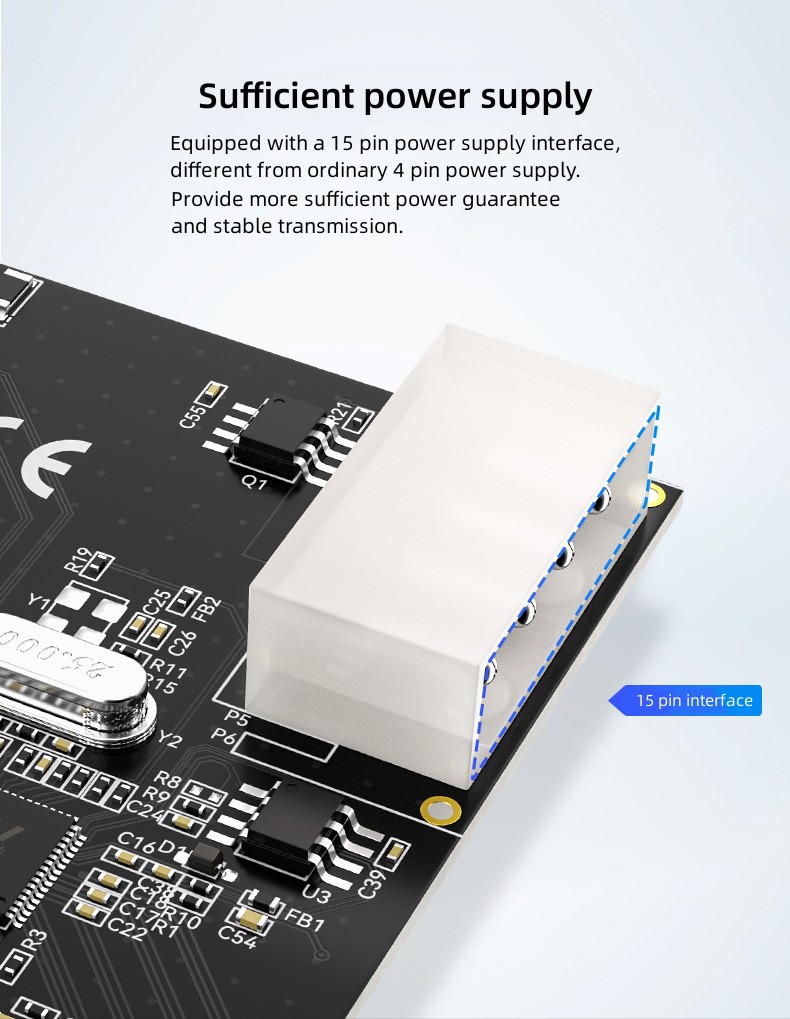
Sufficient power supply
Equipped with a 15 pin power supply interface, different from ordinary 4 pin power supply.
Provide more sufficient power guarantee and stable transmission.
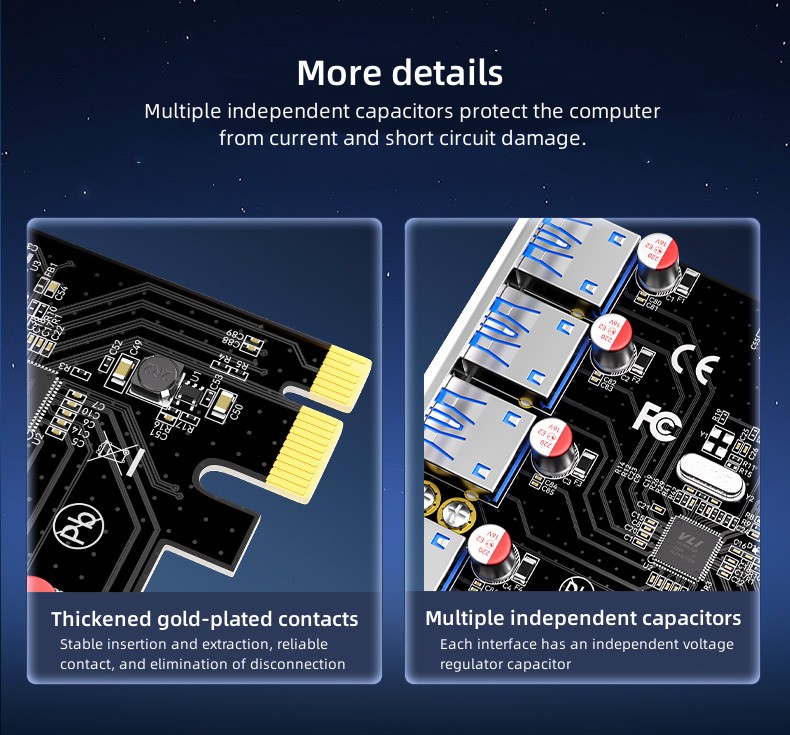
Multiple independent capacitors protect the computer from current and short circuit damage
1) Thickened gold-plated contacts
Stable insertion and extraction, reliable contact, and elimination of disconnection.
2) Multiple independent capacitors
Each interface has an independent voltage regulator capacitor.
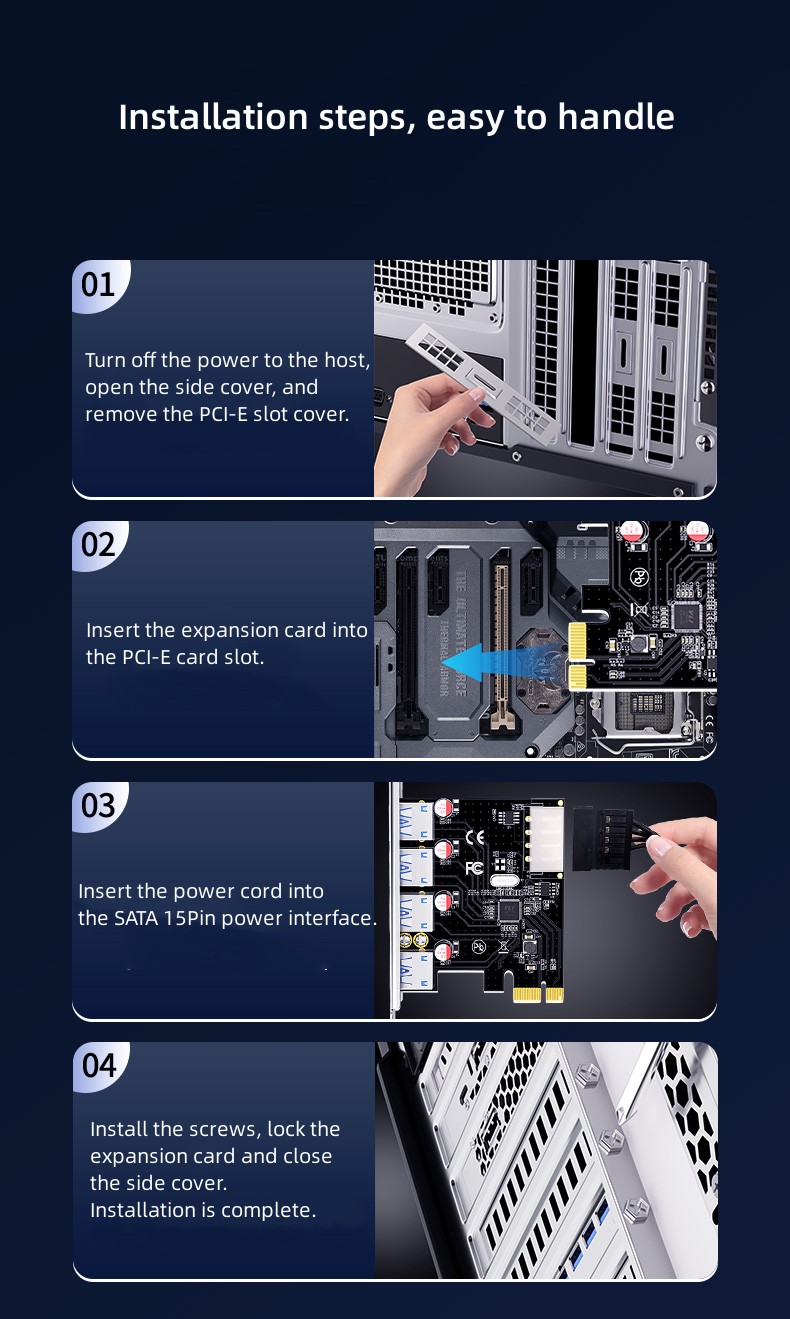
Installation steps, easy to handle
1) Turn off the power to the host, open the side cover, and remove the PCI-E slot cover;
2) Insert the expansion card into the PCI-E card slot;
3) Insert the power cord into the SATA 15Pin power interface;
4) Install the screws, lock the expansion card and close the side cover. Installation is complete.
Previous :
DTECH 5Gbps PCIe x1 x16 to 2 Port USB 3.0 Hub Pci-e Express Expansion CardNext :
DTECH PCI Express Data Adapter Ethernet Card PCI-E to 2.5G Gigabit Network Card for Desktop PC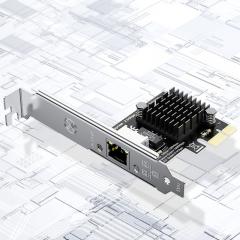
This product supports remote wake-up technology, combined with other software and hardware, automatically connects during startup and standby without the need for repeated adjustments, saving time and effort.
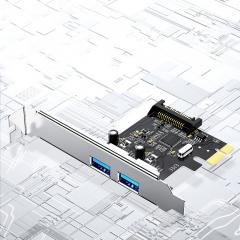
Equipped with high-performance VL805 chip, the theoretical speed can reach 5Gbps.
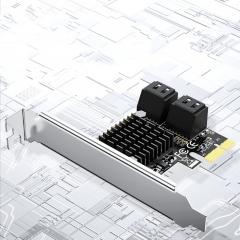
Compatible with operating systems on platforms such as WIN8/10/Linux.
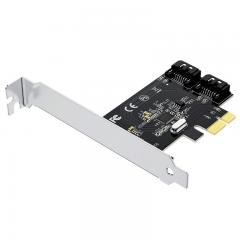
Compatible with operating systems on platforms such as WIN8/10/Linux.
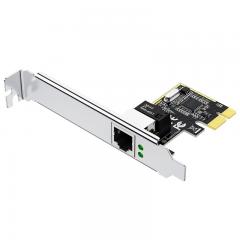
Remote control of computer startup, convenient operation, and time-saving.
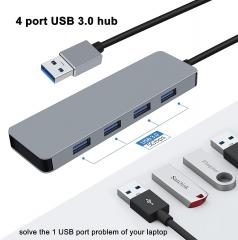
DTECH USB HUB 3.0 4 Port usb-c Hub
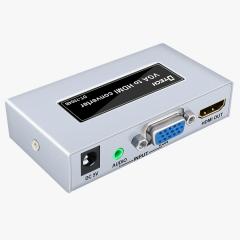
VGA to HDMI high-definition converter
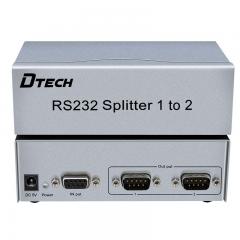
VGA splitter is the perfect solution for anyone who needs to send one video signal to 2 displays at the same time, with audio input and output.
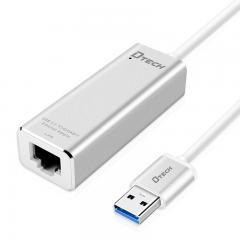
USB TYPE-C 3.0 to Gigabit Ethernet network adapter, Let your TYPE-C devices easily connect with wired internet. It adopts RTL8135 chip, one-click install no need CD-ROM driver, support positive and negative insert, support hot plug, plug and play. It supports newest Mac book, MI laptop, NOKIA N1, LETV1 PRO and other TYPE-C devices.
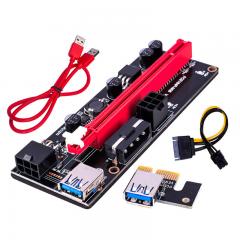
DTECH Express Adapter USB 3.0 pcie VER009S PCI-E 1X to 16X 009 Card Power gpu pci riser 009s Extender Cable
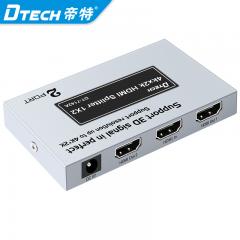
This product belongs to the HDMI signal distribution category. Generally, the high-definition DVD only has one HDMI output port, but sometimes the HDMI signal distributor plays a certain role when multiple monitors or TV are required to display the same picture.
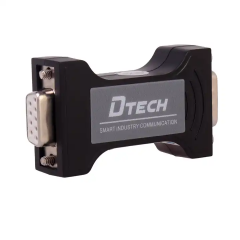
DTIB-0708 is a kind of RS232 system communication serial port optic isolation product.
© Copyright: 2026 Guangzhou Dtech Electronics Technology Co.,Ltd. All Rights Reserved.

