 English




Tel : +86 13729892225
Email : export@dtechelectronics.com










Tel : +86 13729892225
Email : export@dtechelectronics.com
Categories
New Products
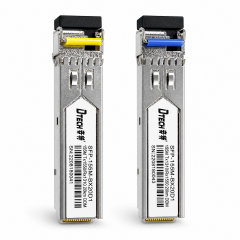
DTECH 1.25G Gigabit Module 20km BiDi SFP Optical Transceiver Fiber 0ptic Module Explore DTECH BiDi SFP optical transceivers for single-fiber bidirectional communication up to 20km. 1550nm/1310nm wavelength pairing, DDM monitoring, and OEM/ODM support. more
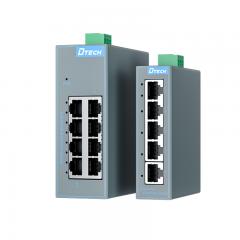
DTECH Industrial Ethernet Switch 5 8 Port Unmanaged Industrial Ethernet Switch for Industrial Automation Discover how the DTECH SW1000 Series industrial Ethernet switch supports PLC, industrial automation, security monitoring and edge network applications with DIN-rail installation, wide-voltage power input and fanless cooling. more
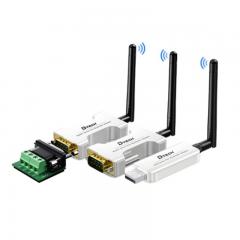
USB RS232 RS485 Blue-tooth Serial Adapter Wifi Wireless Transmitter Receiver Converter USB RS232 RS485 Blue-tooth Serial Adapter Wifi Wireless Transmitter Receiver Converter more
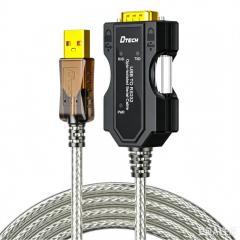
DTECH USB to RS232 Opto-Isolated Serial Cable Converter USB to RS232 Opto-Isolated Serial Cable Converter more
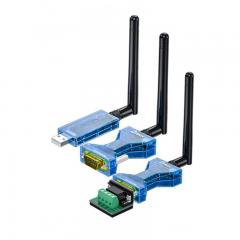
DETCH USB to TPUNB wireless serial data transceiver converter with suction cup antenna This product is a long-range wireless data transceiver, employing domestically produced TPUNB spread spectrum modulation for high-performance, high-reliability, high-stability, and low-power wireless data transmission. more
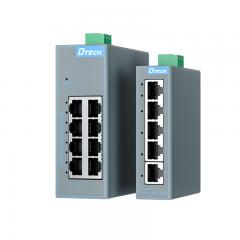
Industrial Ethernet Switch Manufacturer 8 Port Gigabit DIN Rail Switch DTECH DTECH industrial Ethernet switches provide reliable network connectivity for factory automation, transportation, and industrial IoT applications. Managed, unmanaged, PoE and Gigabit Ethernet switches available. more
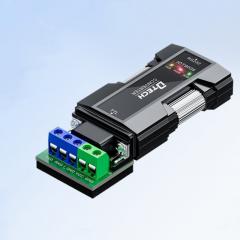
RS232 to TTL Serial Converter Adapter DTECH IOT9005 RS232 to TTL Serial Converter Adapter DTECH IOT9005 more
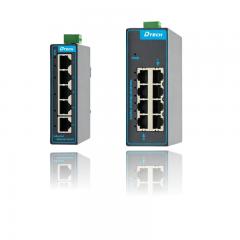
Industrial Class Management Ethernet Switch 4 8 16 Ports industrial network switch manufacturer Industrial Ethernet switches are used to build reliable and efficient industrial networks, supporting real-time data transmission and device interconnection. more
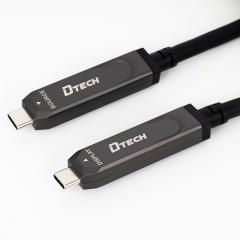
Type C A Male A Male full function Fiber Cable Full-function Fiber Optic Data Type C A Male A Male full function Fiber Cable Full-function Fiber Optic Data more
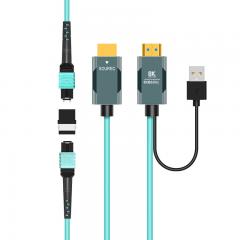
8K Fiber Optical HDMI 2.1 MPO Extender Cable Adapter 8K Fiber Optical HDMI 2.1 MPO Extender Cable Adapter more
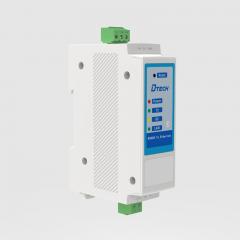
RS422 RS485 to TCP IP Ethernet Serial TCP IP Server Converter Adapter RS422 RS485 to TCP/IP Ethernet Serial Server Converter Adapter more
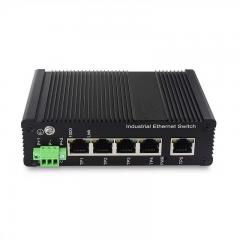
Industrial Network Ethernet Switch 5 Port Unmanaged Plug and Play Gigabit Industrial Network Switch Industrial Ethernet switches are ruggedized networking devices designed for harsh environments, offering high vibration/shock resistance and wide operating temperatures. They support industrial protocols (PROFINET, Modbus TCP), provide Power over Ethernet (PoE) up to 90W+, and ensure network reliability for manufacturing, ITS, and energy sectors more
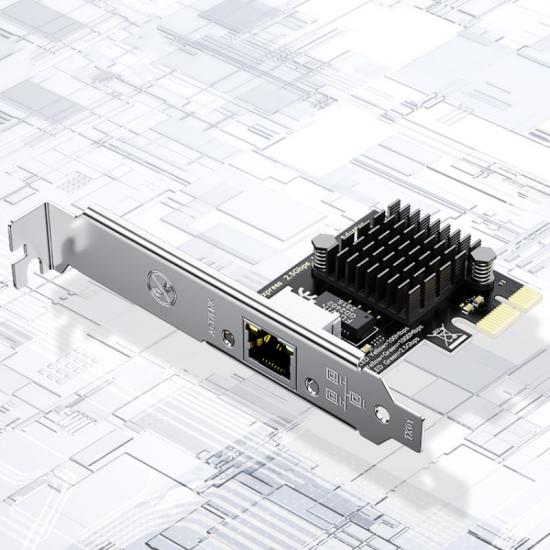
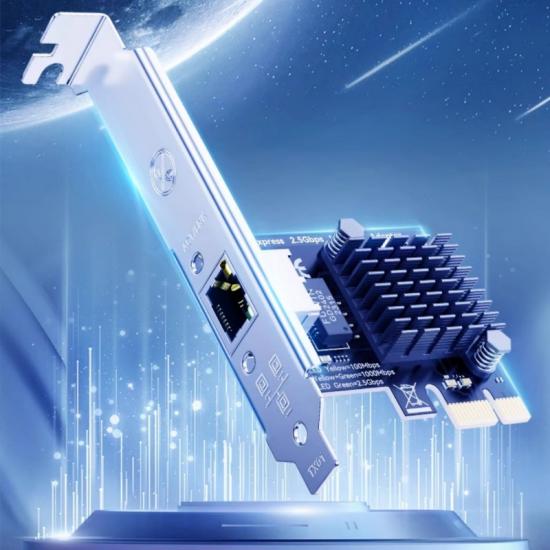
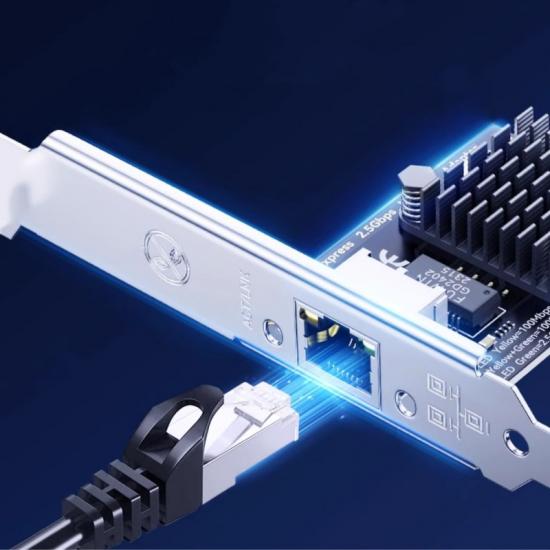
This product supports remote wake-up technology, combined with other software and hardware, automatically connects during startup and standby without the need for repeated adjustments, saving time and effort.
Product Origin:
ChinaBrand:
DTECHItem NO.:
PC0190Shipping Port:
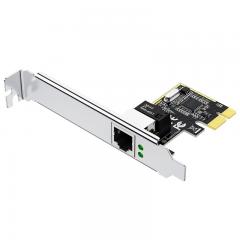
Guangzhou/ShenzhenDTECH PCI Express Data Adapter Ethernet Card PCI-E to 2.5G Gigabit
Network Card for Desktop PC
Ⅰ. Product Parameters
| Product Name |
PCI-E to 2.5G Gigabit Network Card |
| Brand |
DTECH |
| Model |
PC0190 |
|
Function |
Network port expansion |
|
Chip |
RealtekRTL8125B |
|
Interface |
PCI-E |
|
Input specifications |
Compliant with PCI-E2.1 standard, backward compatible with PCI-E2.0/1.0 |
|
Multi system compatibility |
1. Supports desktop computers, servers, NAS and other devices, and supports WIN10/11. 2. Drive free WIN7/8 and Linux 2.6~5x require manual installation of drivers. PS: Some WIN10/11 may have missing drivers, so you need to download and install the network card driver yourself. |
|
Net weight |
60g |
|
Gross weight |
110g |
|
Network standard |
Adaptive 10/100/1000/2500Mbps |
| Size | 120mm*21mm, 80mm*21mm |
|
Packaging |
DTECH Box |
|
Warranty |
1 Year |
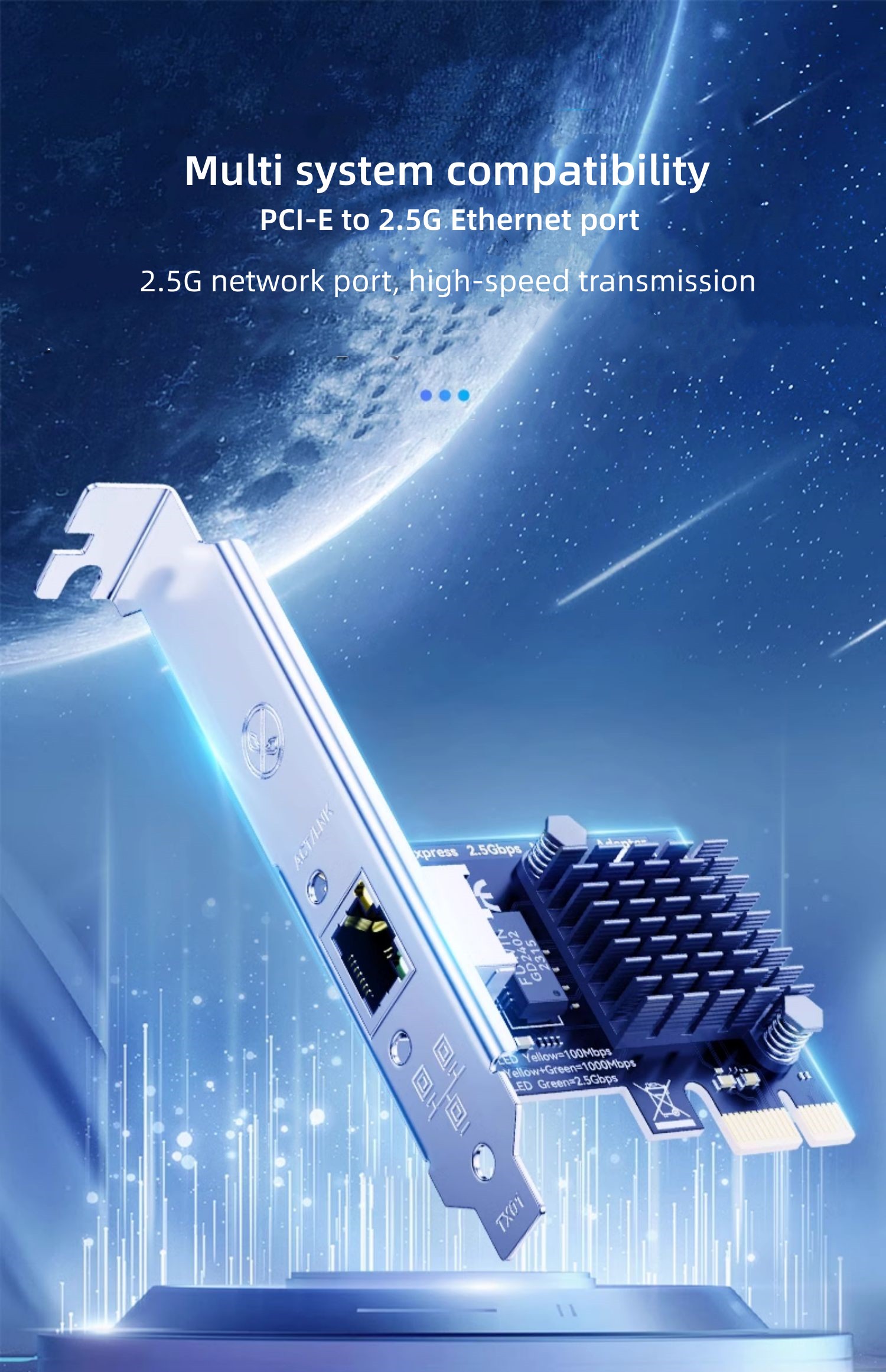
Multi system compatibility, PCI-E to 2.5G Ethernet port
2.5G network port, high-speed transmission
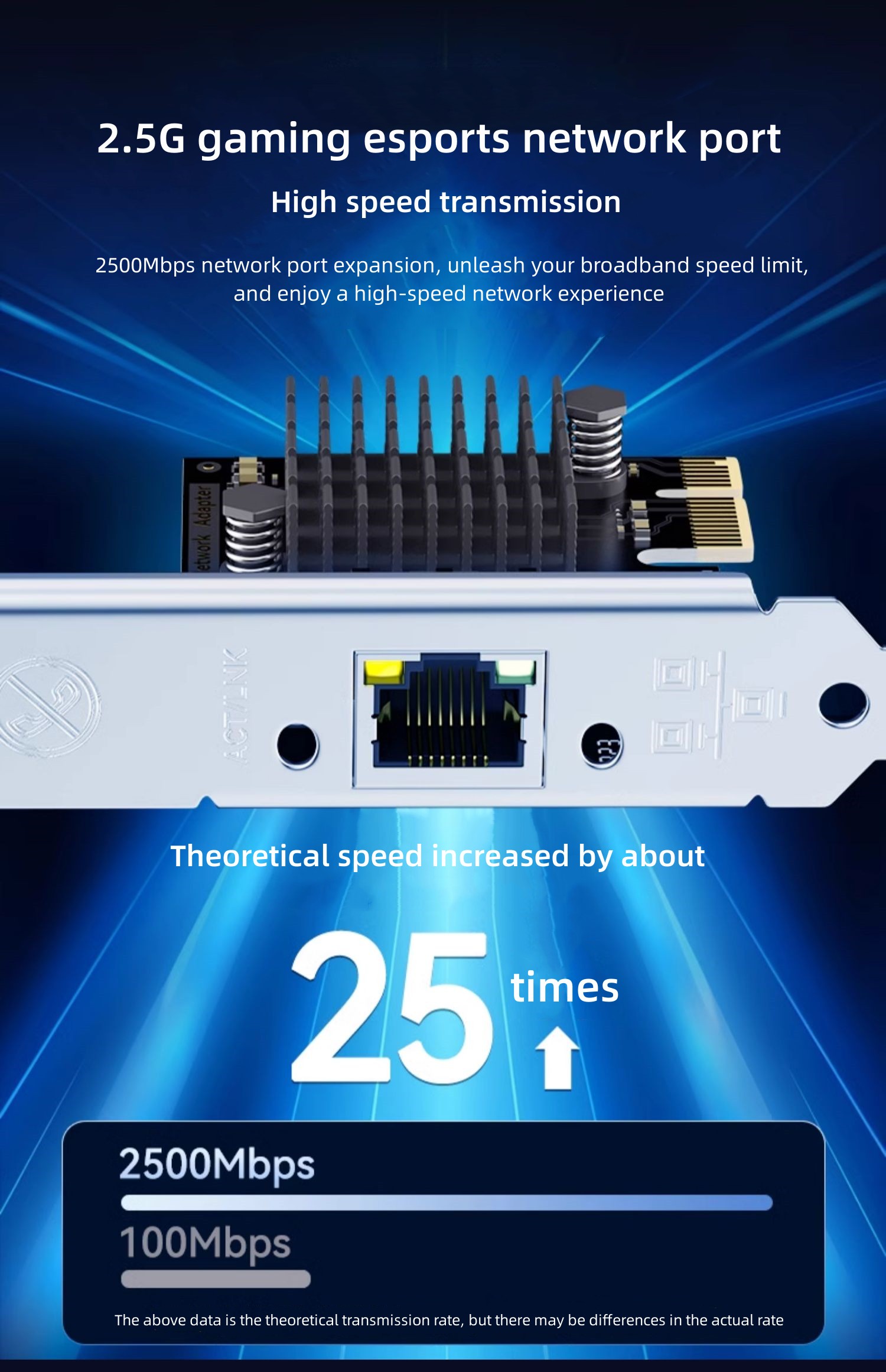
2.5G gaming esports network port
2500Mbps network port expansion, unleash your broadband speed limit, and enjoy a high-speed network experience
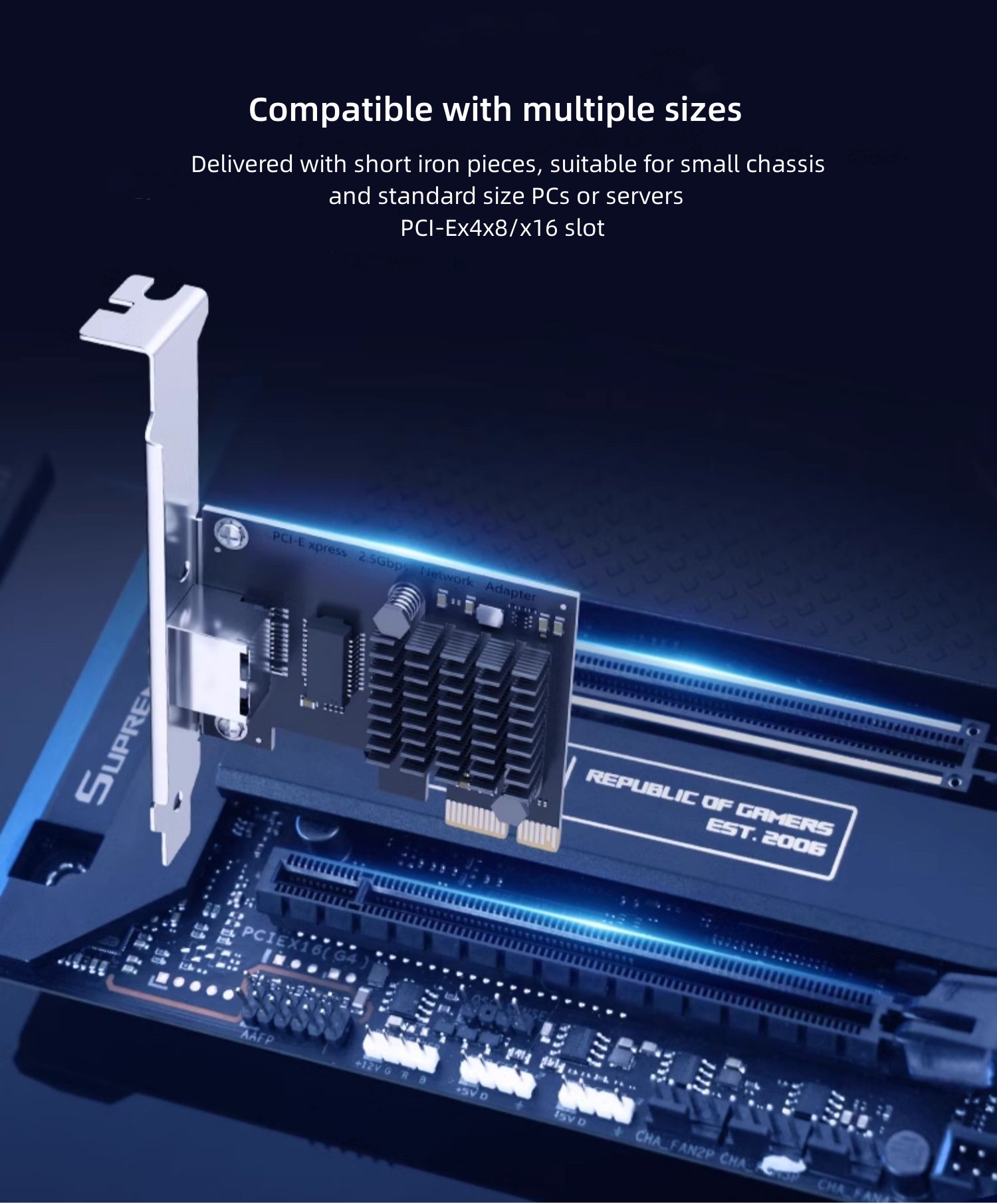
Compatible with multiple sizes, PCI-Ex1/x4/x8/x16 slot
Delivered with short iron pieces, suitable for small chassis and standard size PCs or servers
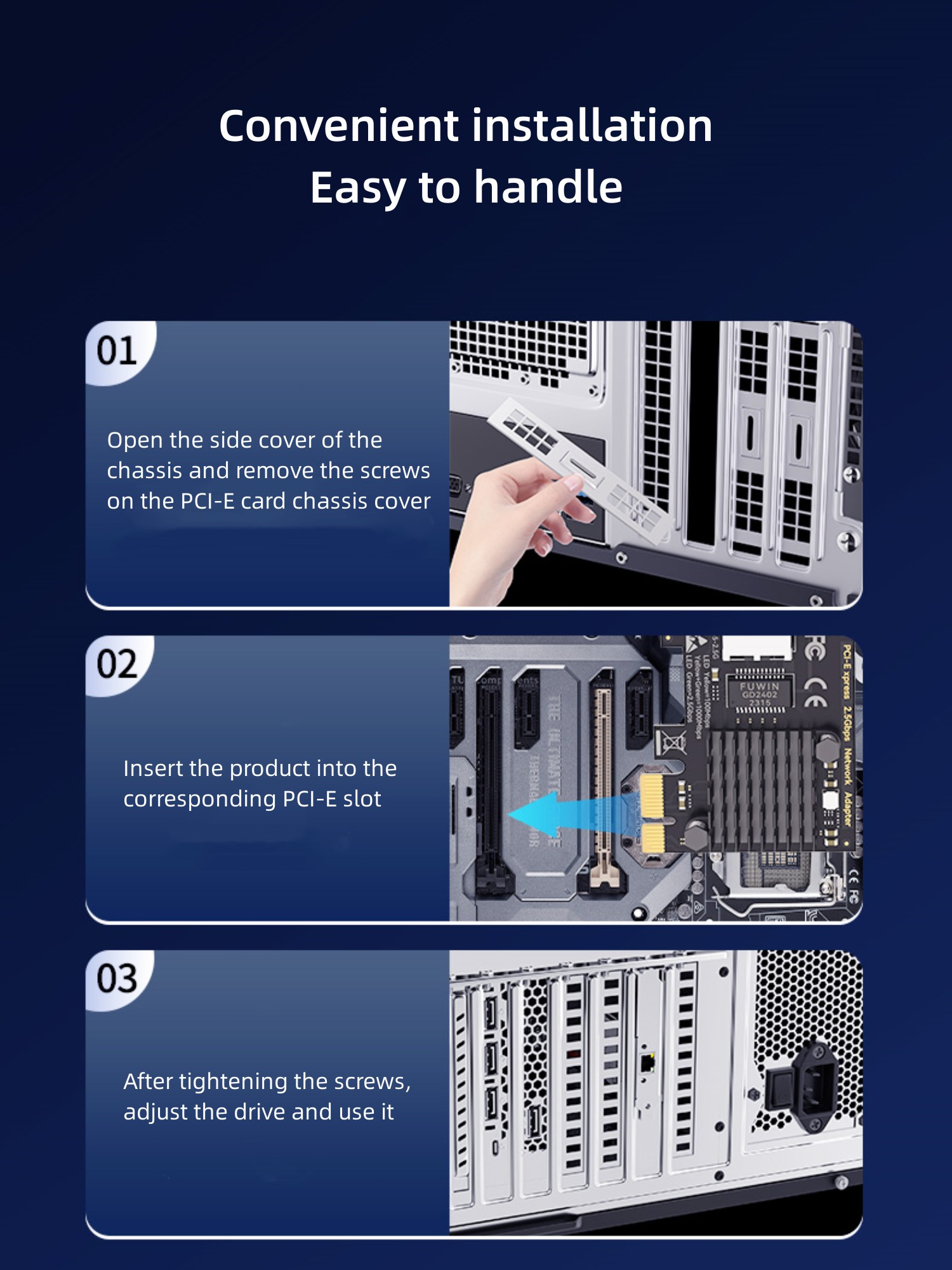
Convenient installation, easy to handle
1) Open the side cover of the chassis and remove the screws on the PCI-E card chassis cover;
2) Insert the product into the corresponding PCI-E slot;
3) After tightening the screws, adjust the drive and use it.
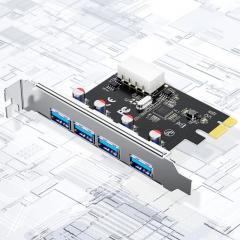
Equipped with high-performance VL805 chip, the theoretical speed can reach 5Gbps.
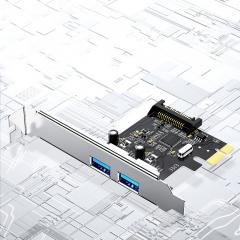
Equipped with high-performance VL805 chip, the theoretical speed can reach 5Gbps.
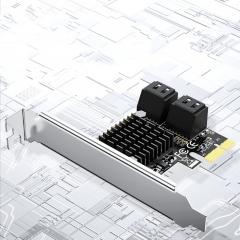
Compatible with operating systems on platforms such as WIN8/10/Linux.
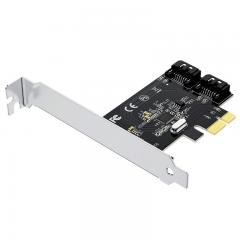
Compatible with operating systems on platforms such as WIN8/10/Linux.
Remote control of computer startup, convenient operation, and time-saving.
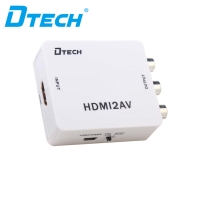
HDMI to AV converter, which can convert digital HDMI signal to AV (CVBS) composite video signal and FL/FR stereo audio signal, the HDMI video signal with high quality can be converted to CVBS signal that support two different systems(standard solution of 480i, 576i, NTSC/PAL)which ordinary TV, VHS green players, DVD recorder can receive by the customer.
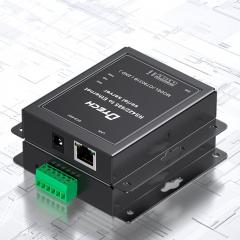
This product supports Alibaba Cloud and DTECH Cloud.
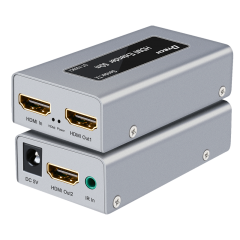
DTECH Hdmi Extender Splitter Adapter 1080P 4K cat6 Hdmi Over Ethernet Extender
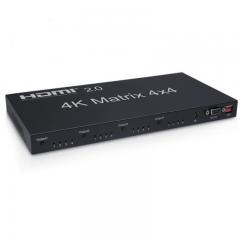
This HDMI 2.0 matrix 4x4 can connect four high-definition signal sources and four high-definition signal terminals simultaneously.
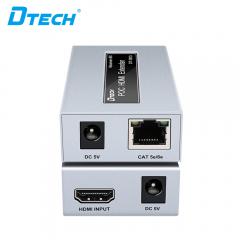
This extender supports HDMI resolution 1080P@60hz.
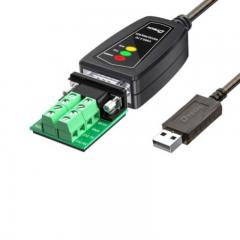
DTECH DT-5019C 0.5m 1m 1.5m USB2.0 to RS485 RS422 RS232 Serial Port Converter Adapter Cable Ⅰ. Product Parameters Product Name USB2.0 to RS232/485/422 Serial Cable Brand DTECH Model DT-5019C Cable Length 0.5m/1m/1.5m Interface Compatibility RS422/RS485/RS232 standard Signal Indication ①Power②Send data: TXD③Receive data: RXD Communication Speed RS422/485 speed: 300bps-3Mbps, RS232 speed: 300bps-115200bps Communication Distance USB end: <=5m; RS-485/RS-422/RS-232 end: 1200m Supported Systems Win XP/7/8/10, Mac, Linux (no driver for Linux kernel 4.0 or higher) Warranty 1 Year Ⅱ. Product Introduction Three data indicators Easily see the working state, for your programming debugging to provide convenience. Support for multiple technologies *Compatible with usb2.0, rs232/485/422 standard protocols. *Automatically determine and control the direction of data transmission. *Automatically detects the baud rate of serial port signals. Communication baud rate Can connect to 256 sets of rs485/422 equipment Point-to-multipoint converter can connect 256 rs485/rs422 interface devices, data communication baud rate range of 300bps to 3Mbps, rs232 can only achieve one-to-one communication. Zero delay transceiver conversion The converter is equipped with zero delay automatic transmission and conversion, ensuring data transmission without delay and faster signal operation, providing reliable connection for your communication. RS232/485/422 Protocol mode automatic conversion I/O circuit. Automatically control the direction of data flow through l/O circuits without the need for any handshake signals (such as RTS DTR, etc.) can achieve mode conversion without the need for jumper settings, ensuring compliance with existing communicatio software and interface hardware. Anti interference, more stable signal Using 28/24WG thick tin plated copper core, with multiple layers of shielding, industrial grade standard wire for more stable sianal transmission. Compatible with a wide range of devices to meet various needs Suitable for connecting computers with various RS232/485/422 devices, bidirectional data transmission, both from USB to RS232/485/ 422 and from RS232/485/422 to USB.
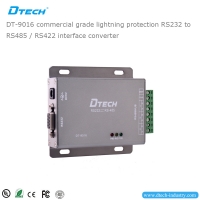
A reliable and stable point-to-point and point-tomultipoint communication can be ensured by DT-9016 photoelectric RS485 isolation interface converter.
© Copyright: 2026 Guangzhou Dtech Electronics Technology Co.,Ltd. All Rights Reserved.

